


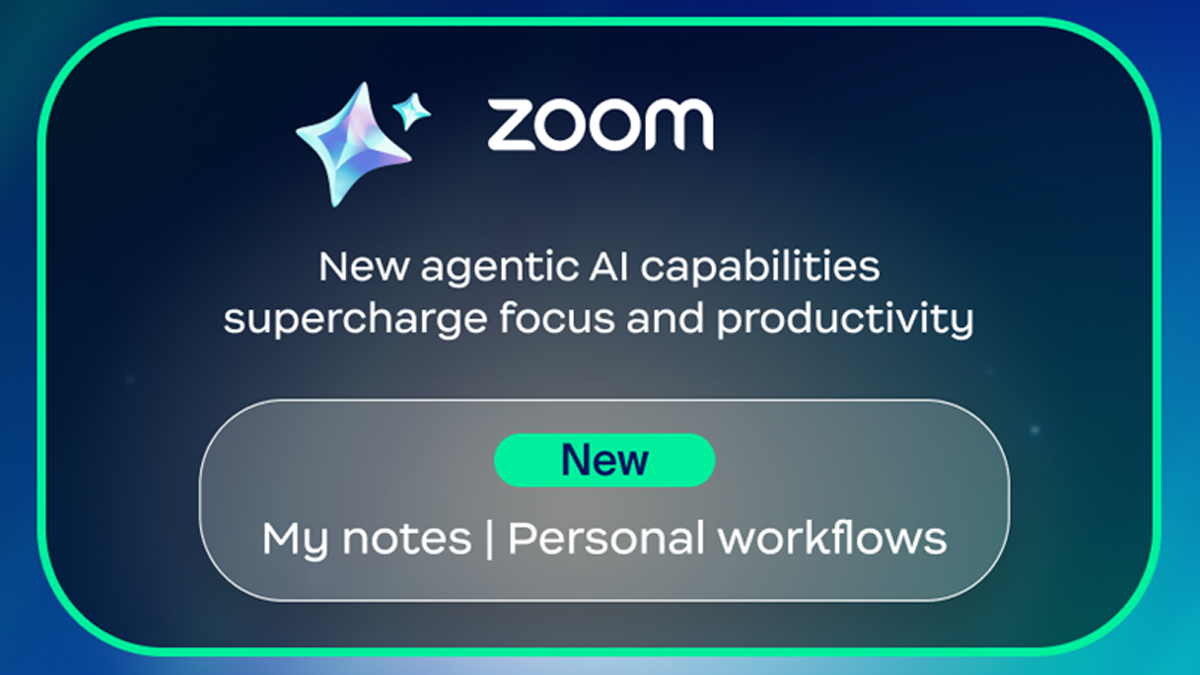
Zoom has announced new agentic AI capabilities that are designed to supercharge focus and productivity at work. Some features will be available end of February, others are still in Beta Phase, and for some regions and markets the features will not be available until later in the year, hence licensees should check with their Zoom provider or check the plan that they are on.
The new solutions enhance Zoom AI Companion‘s capabilities and highlights from the announcement include:
- “My notes” brings a new level of personalisation to AI note-taking, allowing users to capture notes and, if available, ask AI Companion to enrich those notes with the meeting transcript
- Zoom Hub allows employees to easily find meeting notes in one place, whether the meeting was held on Zoom Meetings, Google Meet, or Microsoft Teams, without switching between platforms
- Image upload allows images, PDFs, and text documents to be uploaded and analysed, so that AI Companion can understand content from charts, whiteboards, and documents and deliver instant insights
Zoom is upgrading AI Companion from a basic assistant into a proactive workplace collaborator with new features like My notes and Personal workflows, designed to automate tasks and anticipate user needs.
The tools centralise meeting notes across platforms and streamline follow-ups, helping teams save time and work more efficiently.
Comment from Head of Product, AI at Zoom
“AI is no longer just a tool — it’s a trusted collaborator that helps users analyze, act, and deliver with greater intent,” comments Lijuan Qin, head of product, AI at Zoom. “With AI Companion, people can move beyond managing work to truly accelerate their impact and shift from reactive productivity to proactive intelligence, where technology doesn’t just support work, it elevates it.”
My notes functionality
My notes acts as a personal note-taker across Zoom Meetings, in-person meetings, and third-party meetings like Microsoft Teams and Google Meet, capturing and enhancing what is shared in real time with a helpful record of every discussion, so important insights stay intact, and follow-ups are easy.
- Users can stay fully engaged while AI Companion captures key details. The user can jot down their personal thoughts, and AI Companion can enhance the meeting recap without interrupting the flow of conversation.
- Designed for in-person discussions, Voice recorder on the mobile client extends AI Companion’s summarisation power beyond virtual meetings, helping to ensure important insights are captured and accessible where collaboration happens.
- Find meeting notes in one place in Zoom Hub, whether the meeting was held on Zoom Meetings, Google Meet, or Microsoft Teams, without switching between platforms.
- For users who prefer to manage their work on the web, all of these capabilities will be available for in-person meetings via a web browser with Transcribe. (Expected at the end of February)
Personal workflows
Personal workflows use natural language and AI to automate repetitive tasks like follow-ups, reminders, and updates, helping teams stay focused on high-impact work. Built-in templates and easy customisation improvements will remove the complexity of traditional automation, while added context from chat data and document analysis makes workflows more personalised and effective for the user.