



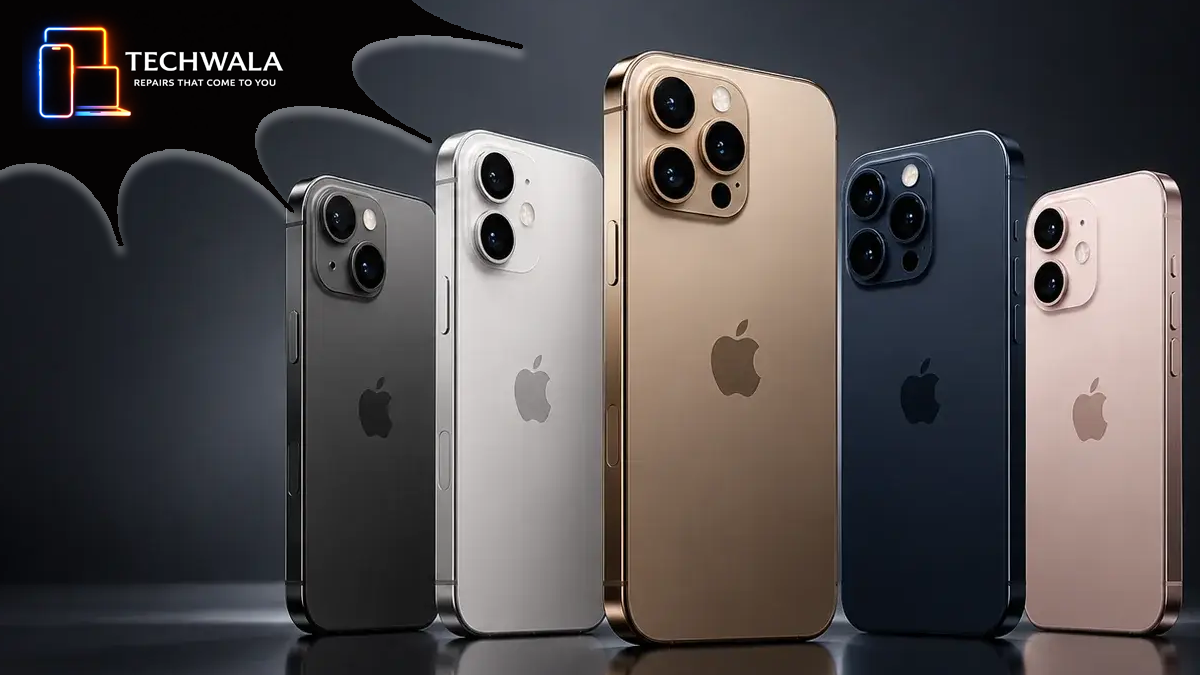
iOS 27 is the next generation of Apple Intelligence and Siri AI. iOS 27 was released on 14 September 2026. Early days yet, and Apple’s own release notes describe the update as improving performance, connectivity, search and Siri, but there are already reports of some problems.
The main issues being reported so far:
- Battery drain and heat: Some early users are reporting faster battery depletion and increased heat following the upgrade. This report suggests it can be “partly” caused by the phone re-indexing photos, messages, files and apps after installation, which can take hours or even days.
- Siri problems: Siri AI is one of the headline features of iOS 27, and Apple’s release-candidate documentation identified eight known Siri issues, including problems with some Siri functions and workarounds for testers.
- Spotlight/search problems: Reports suggest users may temporarily see incomplete or delayed search results while the device rebuilds its search index.
- Accessibility bugs: AppleVis has independently documented a number of issues affecting VoiceOver and Braille support, based on testing and validated community reports.
iPhone owners preparing to install iOS 27 are being urged to check their handset first to avoid a preventable update problem.
The software arrived on Monday 14 September 2026 and is now available, although not every iPhone can install it and not every compatible model will receive every feature.
Azza Kidiwala, iPhone Tech Expert at Techwala, said:
“If your iPhone already switches itself off or the battery drains quickly, that won’t stop it getting iOS 27 as long as it’s on Apple’s compatibility list. I’d just leave it plugged in for the whole update and start it when you can manage without the phone for a while, like before bed.”
Before starting the update, owners should make three checks:
- Confirm your iPhone can install iOS 27
Apple’s official compatibility list starts with the iPhone 11, iPhone 11 Pro and iPhone 11 Pro Max, plus the iPhone SE from the second generation onwards. It continues through newer models.
The iPhone XS, XS Max, XR and older models are not included. Owners who are unsure should identify their model before looking for the update rather than repeatedly retrying a download that their phone cannot receive.
- Make a fresh backup and check free space
Apple tells users to back up with iCloud or a computer before updating. This creates a current copy of important information if the device later needs to be restored or replaced.
An iPhone also needs enough available storage to download an update. If space is tight, open Settings, General and iPhone Storage and look for Offload Unused Apps, which removes the app itself while keeping its documents and data.
-
- Set up a stable update window
Apple says a wireless update needs an internet connection and power, and its instructions tell owners to plug in and connect to Wi-Fi. Do not begin when the phone is likely to be taken off charge or needed urgently.
Battery condition deserves extra attention on an older handset because rechargeable batteries lose capacity and performance as they age.
If iOS 27 will not download, Apple’s troubleshooting advice is to recheck compatibility, power, the internet connection and free storage. Users can offload unused apps and retry, or use a computer if the wireless update still will not complete.